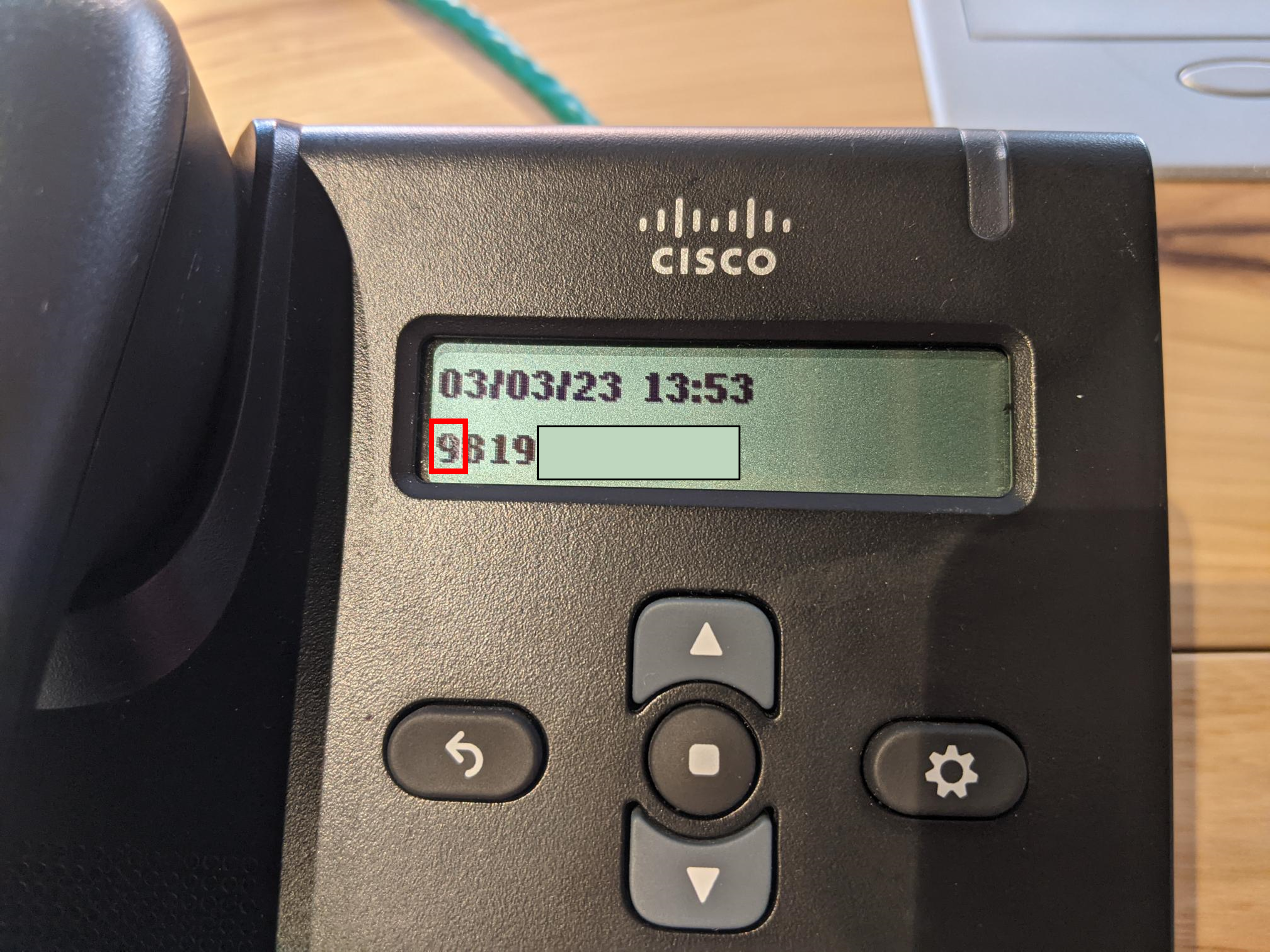
If you are calling a phone number with 819 as the area code, add “9” before the number. Proceed by inputting the rest of the phone number and calling as usual.
Step 2.1:
If you are calling a phone number that with an area code other than 819 (e.g. 514, 802), type “9” followed by the country code (you can find every country code here). Proceed by inputting the rest of the phone number and calling as usual.
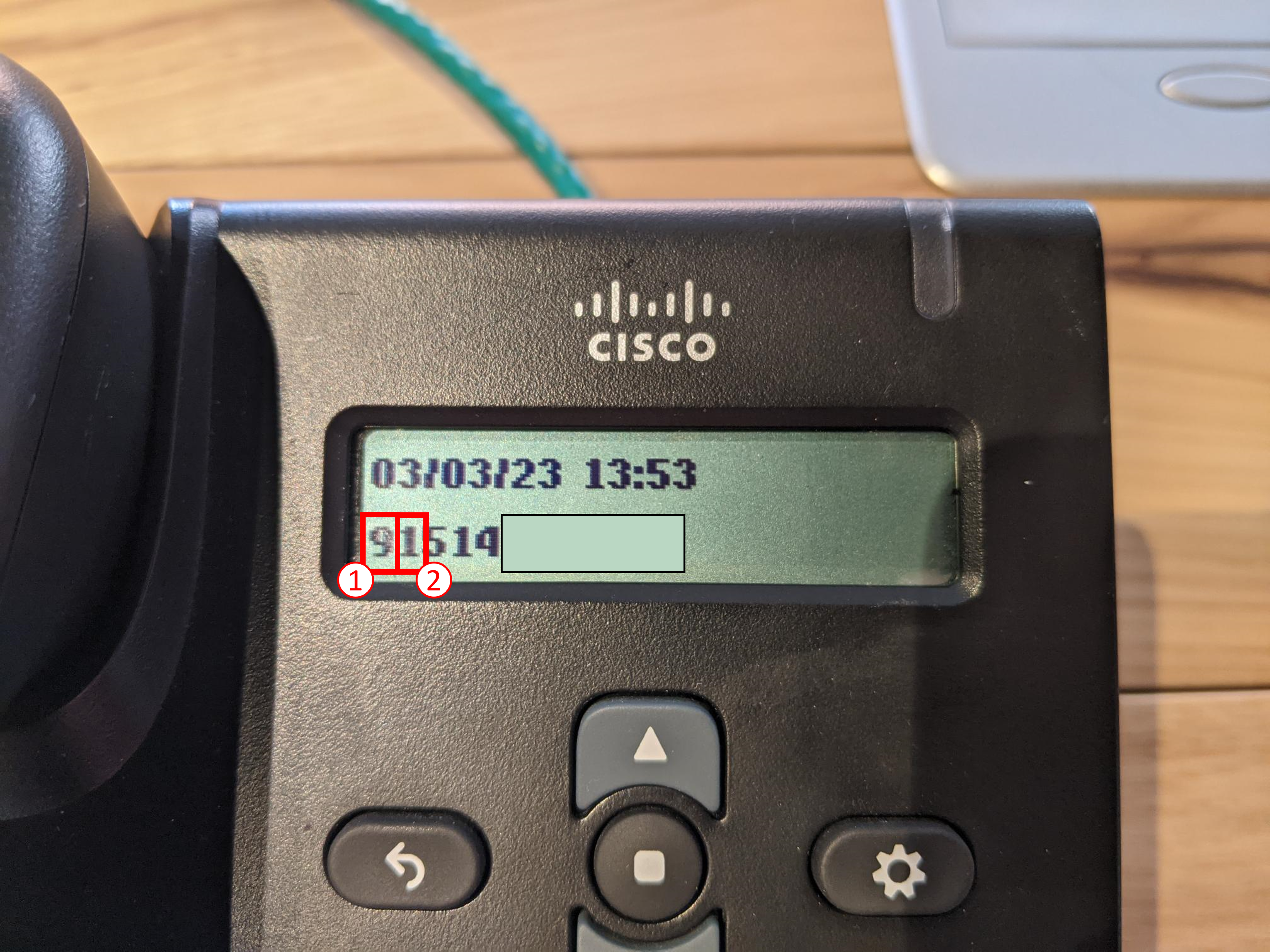
In the example shown, we are attempting to call a number beginning with 514. So we must input “9” and “1” before the number.
Step 2.2:
You will be prompted to enter your long distance code.
If you do not have a long distance code, see below. Otherwise, enter your code after the automated message.
If you are calling a phone number with 819 as the area code, add “9” before the number. Proceed by inputting the rest of the phone number and calling as usual.
Step 2.1:
If you are calling a phone number that with an area code other than 819 (e.g. 514, 802), type “9” followed by the country code (you can find every country code here). Proceed by inputting the rest of the phone number and calling as usual.
In the example shown, we are attempting to call a number beginning with 514. So we must input “9” and “1” before the number.
Step 2.2:
You will be prompted to enter your long distance code.
If you do not have a long distance code, see below. Otherwise, enter your code after the automated message.