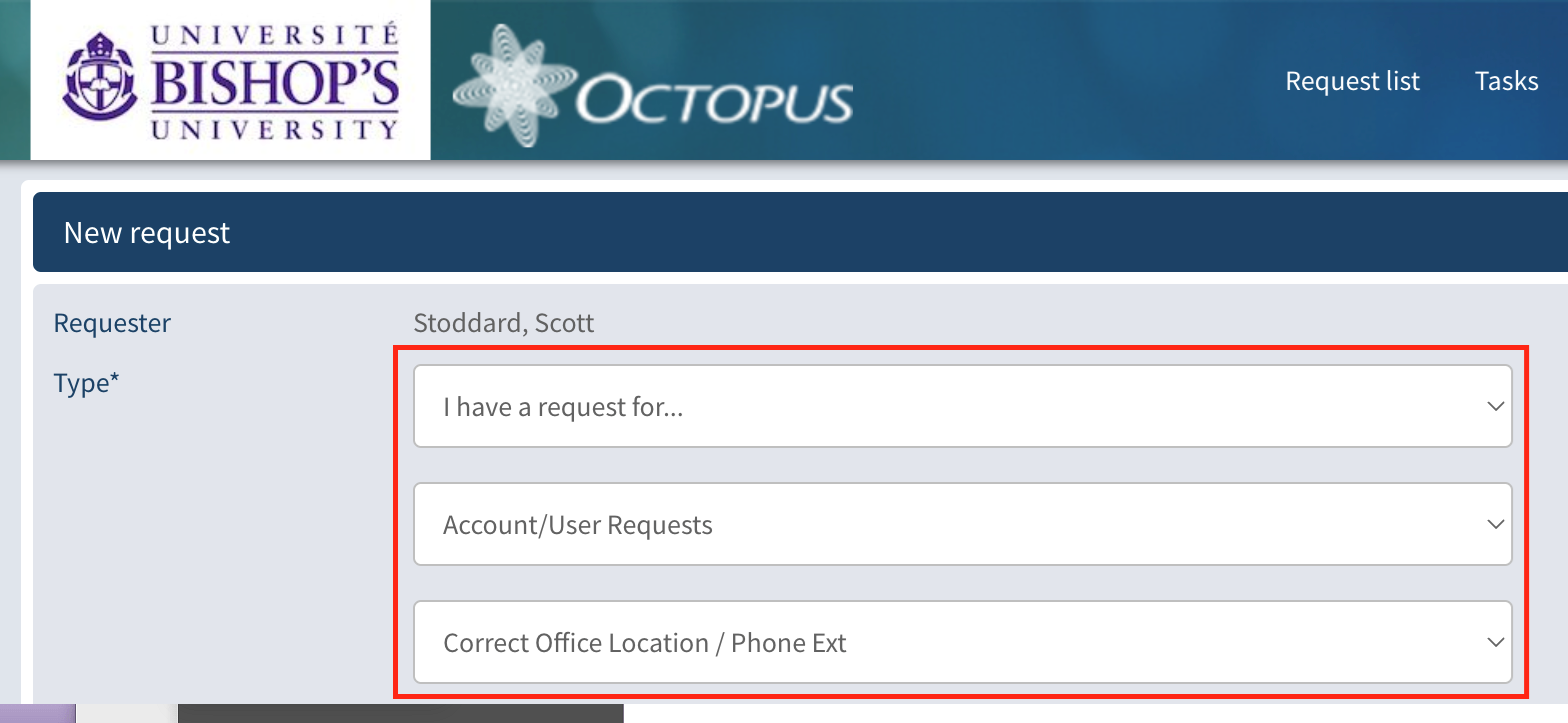






With the recent removal of office locations from the public directory on the website, we wanted to make an app available to make it easier for employees to find contact and location information for people at BU.
Introducing the BU Directory in Teams!
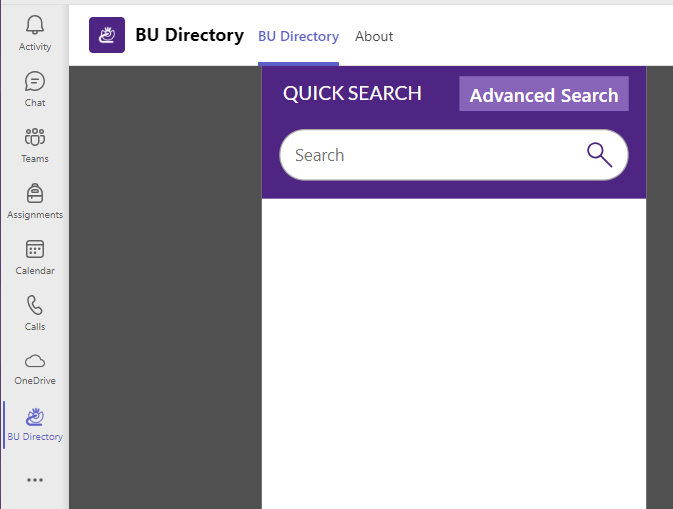
The basic search box at the top will allow you to search as you type, and the advanced search is used to locate people by department, job title, etc. (Note that the “advanced search” needs to load more data when in launches, so it might take a few seconds to load and allow you to type.)
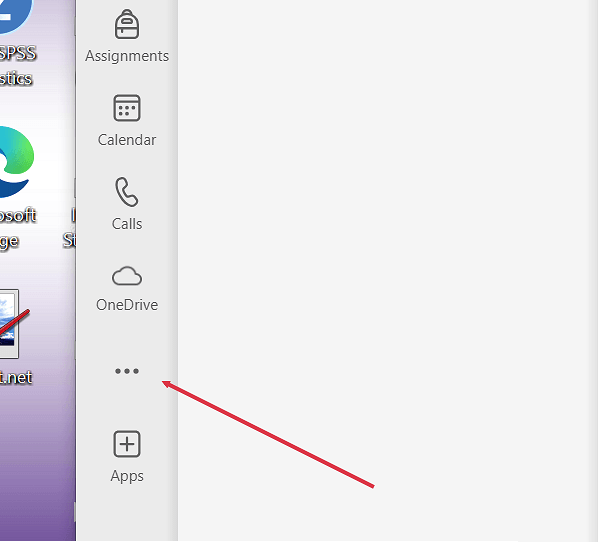
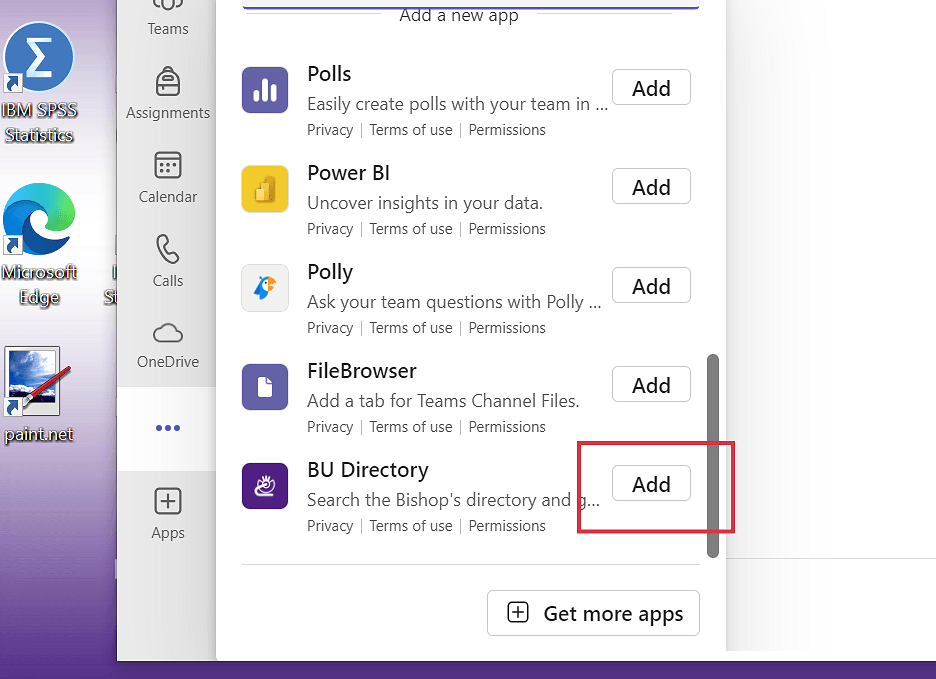
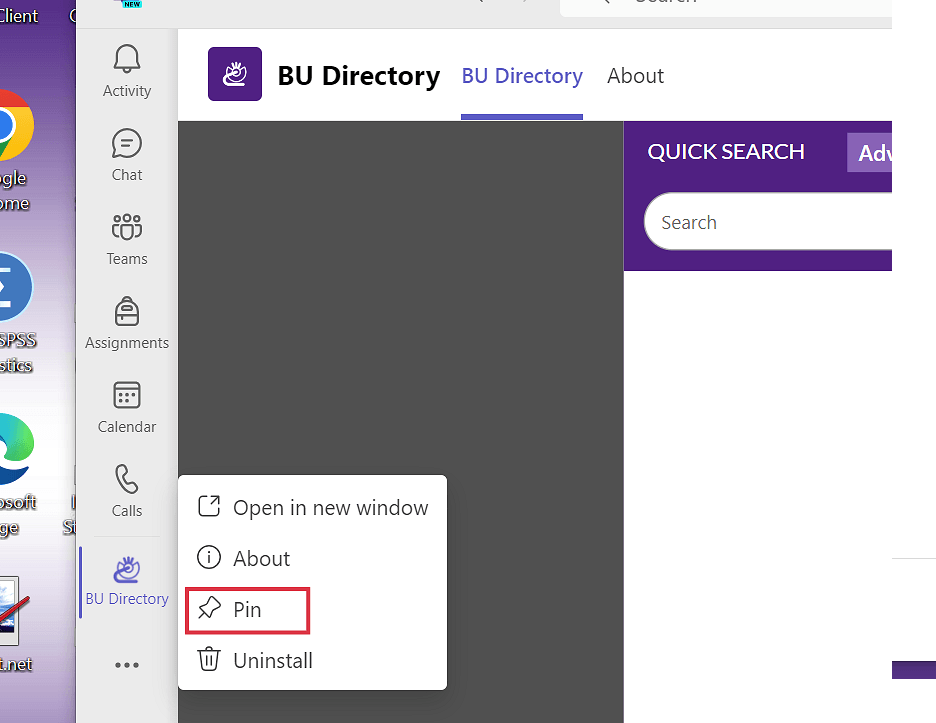
Follow the instructions below on how to add it to Teams on your computer (just takes 15 seconds).
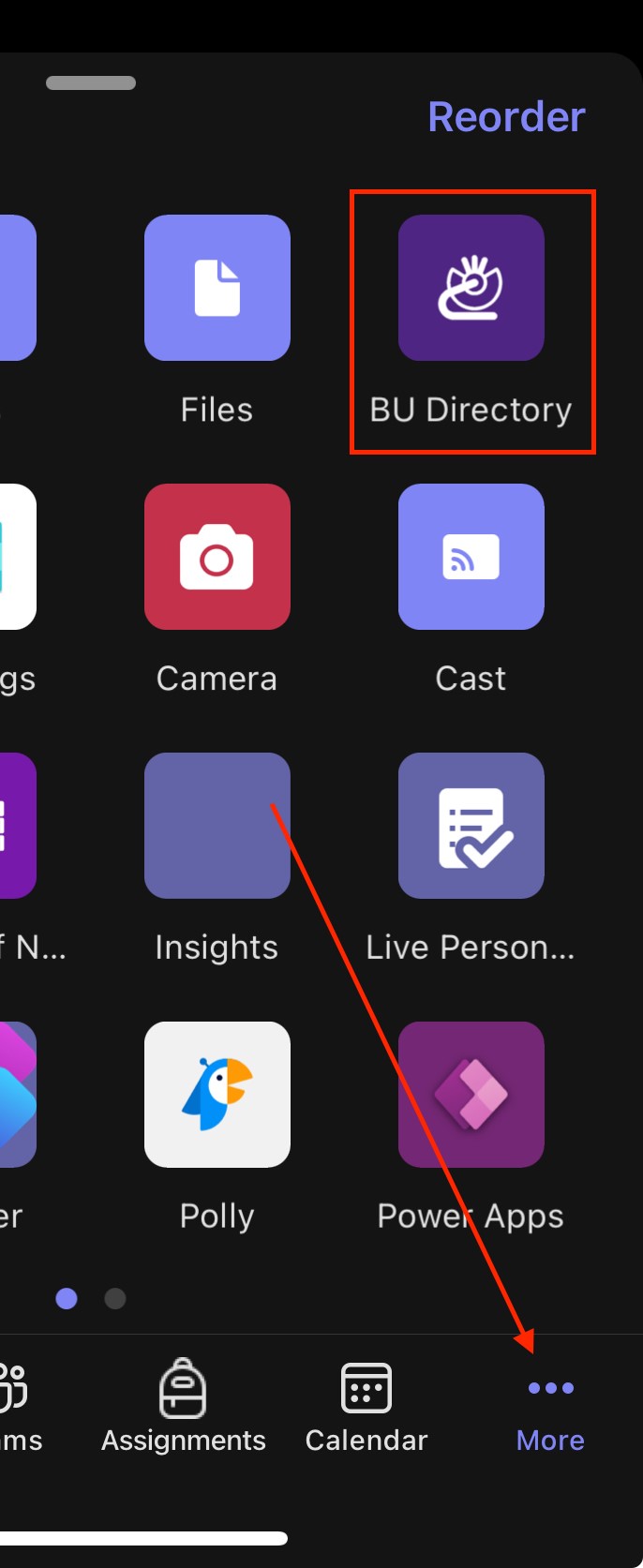
Once you have added it to your computer’s Teams app, it will also be available to you on your mobile device, just select the “More” icon at the bottom right and you should see it in your list of apps: